Quick Notes and Idea Capture
Capture reminders, rough ideas, temporary notes, and useful fragments before they disappear.
Start a quick noteWrite, organize, and export notes in a clean browser workspace with local autosave and practical tools. No account, installation, or subscription required.
Begin with a quick thought, shape it into a useful note, and download a portable file when the work is ready to move.
Open a clean editor immediately, capture the thought, and format only what helps the writing stay readable.
Use folders, tags, search, saved views, and pinned notes to keep an active browser notebook manageable.
Download TXT or Markdown, print a finished note, or export a complete notebook backup before the work moves elsewhere.
Use The Notepad App for quick capture, longer drafts, meeting records, study notes, action lists, and reusable text.
Capture reminders, rough ideas, temporary notes, and useful fragments before they disappear.
Start a quick notePrepare articles, emails, descriptions, outlines, and other written content in a clean editor.
Open the editorRecord agendas, decisions, follow-ups, and action items in a reusable structure.
Open Meeting NotesOrganize reading notes, source summaries, revision material, and questions worth revisiting.
Create research notesTurn an unstructured thought into a practical list of priorities and next actions.
Open To-Do ListKeep templates, frequently used text, commands, and references ready for repeated work.
Open Text MacrosThe current release saves notes in this browser profile and does not upload note content to an application server.
No install or account is required before your first note. Open the editor and capture a thought in seconds.
Write without sending note content to an application server. Use a device and browser profile you control.
Autosave keeps working notes in the same browser profile, ready when you return to that browser.
Download TXT, Markdown, or a notebook backup before clearing browser data or changing devices.
Export important notes before clearing site data, changing browser profiles, or replacing a device. For collaboration, managed permissions, or dependable access across devices, move an exported file into a service built for that work.
The Notepad App combines immediate access, useful organization, portable exports, and practical text tools without turning a simple note into a complicated project.
Open a capable writing workspace immediately. Skip registration, onboarding, subscription prompts, and installation before your first note.
Use multiple notes, folders, tags, search, saved views, and pinned notes while keeping the editor focused.
Download TXT or Markdown, print a note, or export a complete notebook backup whenever the work needs to move.
Count, clean, structure, transform, and reuse text without crowding the main writing workspace.
Clear guidance explains browser storage, portable backups, and what to do before changing devices or profiles.
Start in the notepad, then open a dedicated utility when you need to measure, clean, format, plan, or reuse text.
Check words, characters, sentences, paragraphs, and reading time before publishing.
Open Word CounterTurn rough notes into prioritized tasks with due dates and filters.
Open To-Do ListSave reusable snippets, templates, and placeholders for repeated writing.
Open Text MacrosCapture agendas, decisions, and action items in a structured format.
Open Meeting NotesConvert copied text into title case, sentence case, uppercase, or lowercase.
Open Case ConverterBuild clean nested lists and export them as text or Markdown.
Open List MakerThe editor adapts to current desktop, tablet, and mobile browsers so essential writing controls remain usable without an extension.
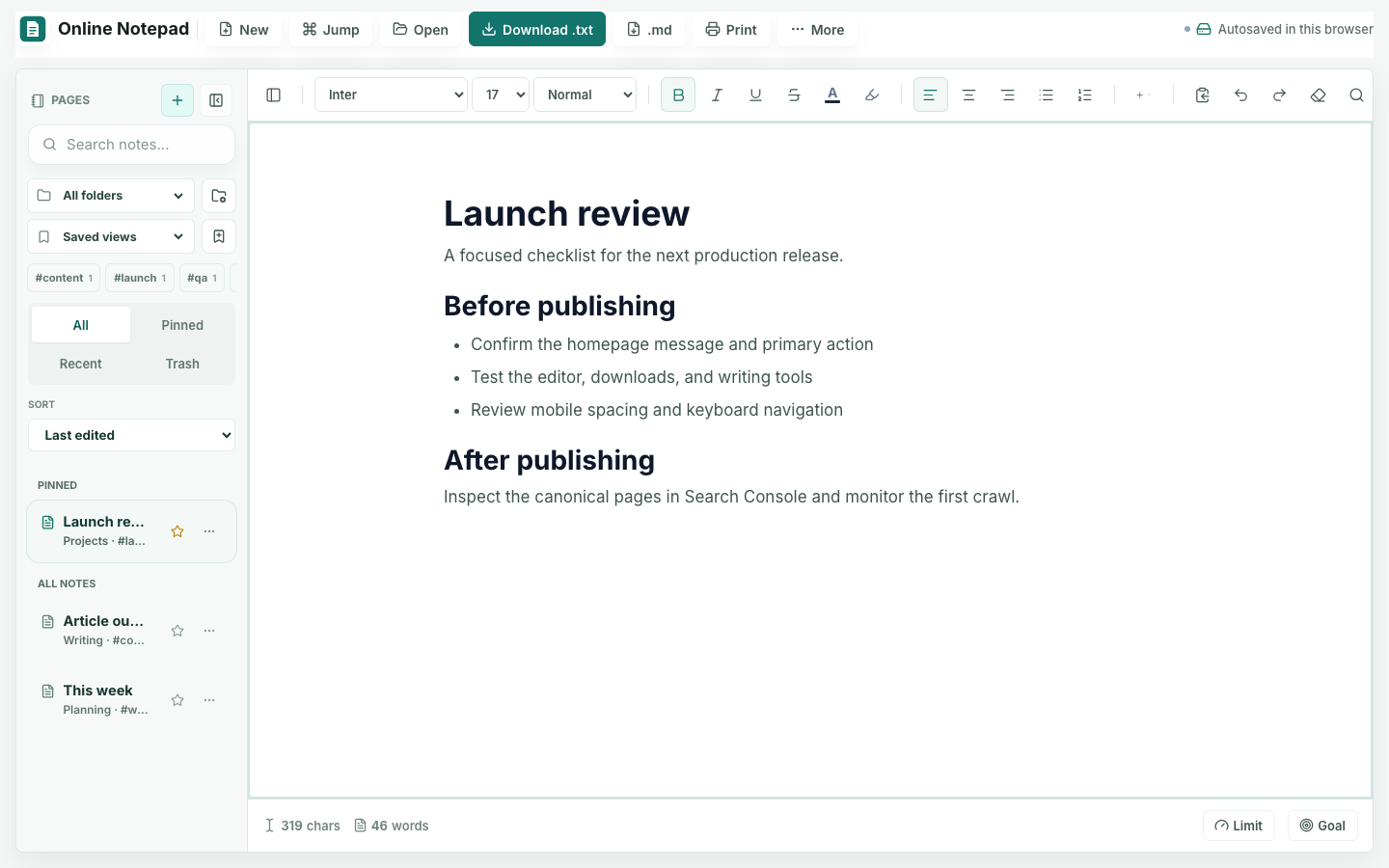
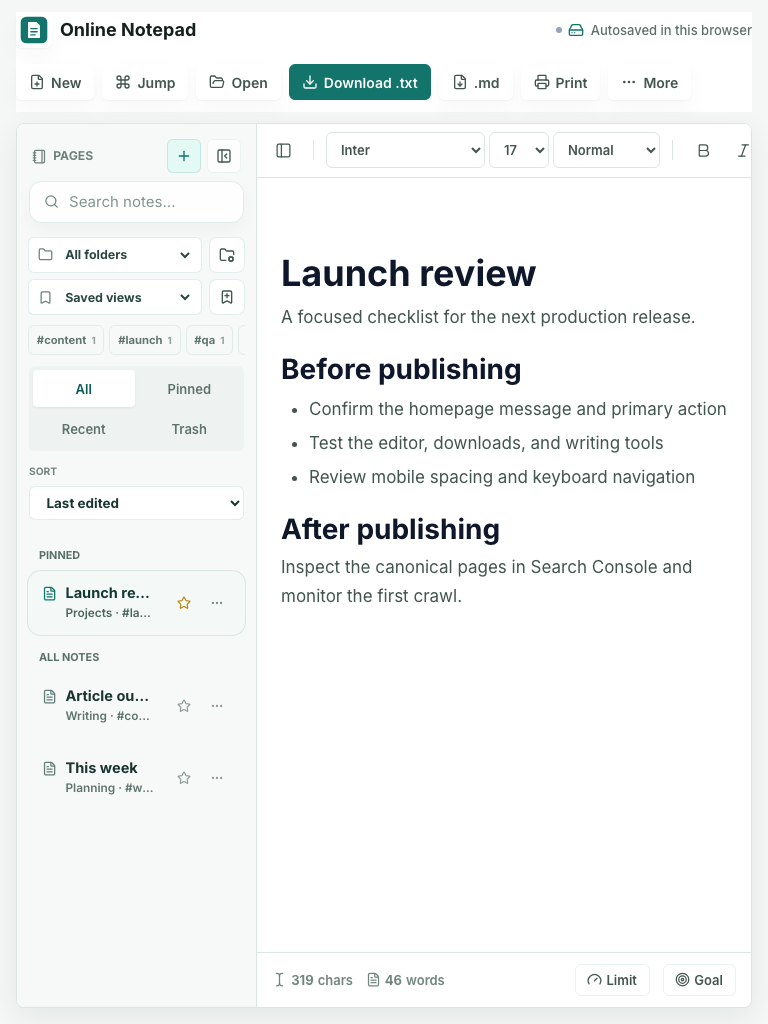
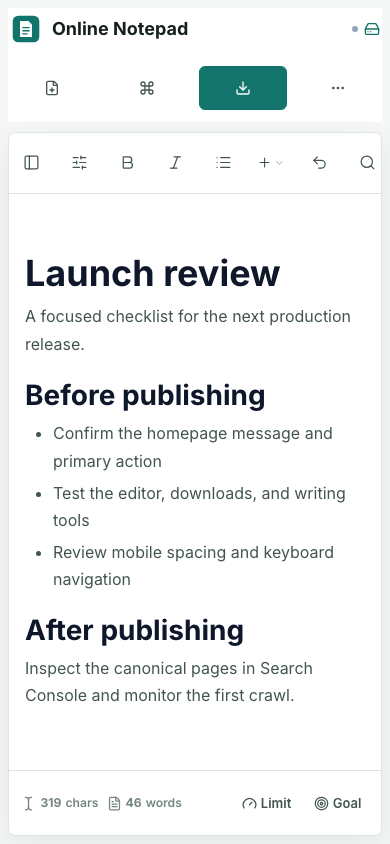
The layout adapts across desktop, laptop, tablet, and mobile sizes so the core writing controls remain usable.
Designed for recent versions of Chrome, Firefox, Edge, and Safari. JavaScript is required; a browser extension is not.
Notes stay with the browser profile where they were created; they do not sync automatically between devices. Export a portable file whenever you need to move important work.
Clear answers about cost, accounts, browser storage, autosave, organization, downloads, mobile use, and moving notes between devices.
The Notepad App brings a focused online notepad, practical organization, and lightweight writing tools into one browser workspace. Start immediately, keep control of local drafts, and export important work whenever it needs to move.