Online and offline note taking is not a moral choice. It is a workflow choice. What matters is the kind of note, how long you need it, and what should happen if the internet disappears or browser data is cleared.
Most people use both. You might draft a list in a browser notepad, then move the result into a document on your machine. That hybrid workflow is often the most practical approach for everyday writing.
What Online Note Taking Usually Means
Online note taking normally includes at least one of these capabilities:
- Cloud storage and syncing across devices
- Accounts, logins, and recovery flows
- Collaboration and sharing
- Search, tags, folders, and organizational features
Cloud-based tools are valuable when continuity matters: when a note needs to be available from your phone, laptop, or another machine. The tradeoff is that they require an account, network access, and trust in a third party to store and protect the data.
Some platforms also provide history, reminders, linked databases, and shared workspaces. Those features earn their weight for teams and long-term archives. For temporary writing, the overhead can slow you down.
What Offline Note Taking Usually Means
Offline note taking means the note lives as a local file or in an application on your device. That can include:
- Plain text files on a computer
- A native note app using device storage
- A document editor saving to local disk
- A browser-based tool using localStorage
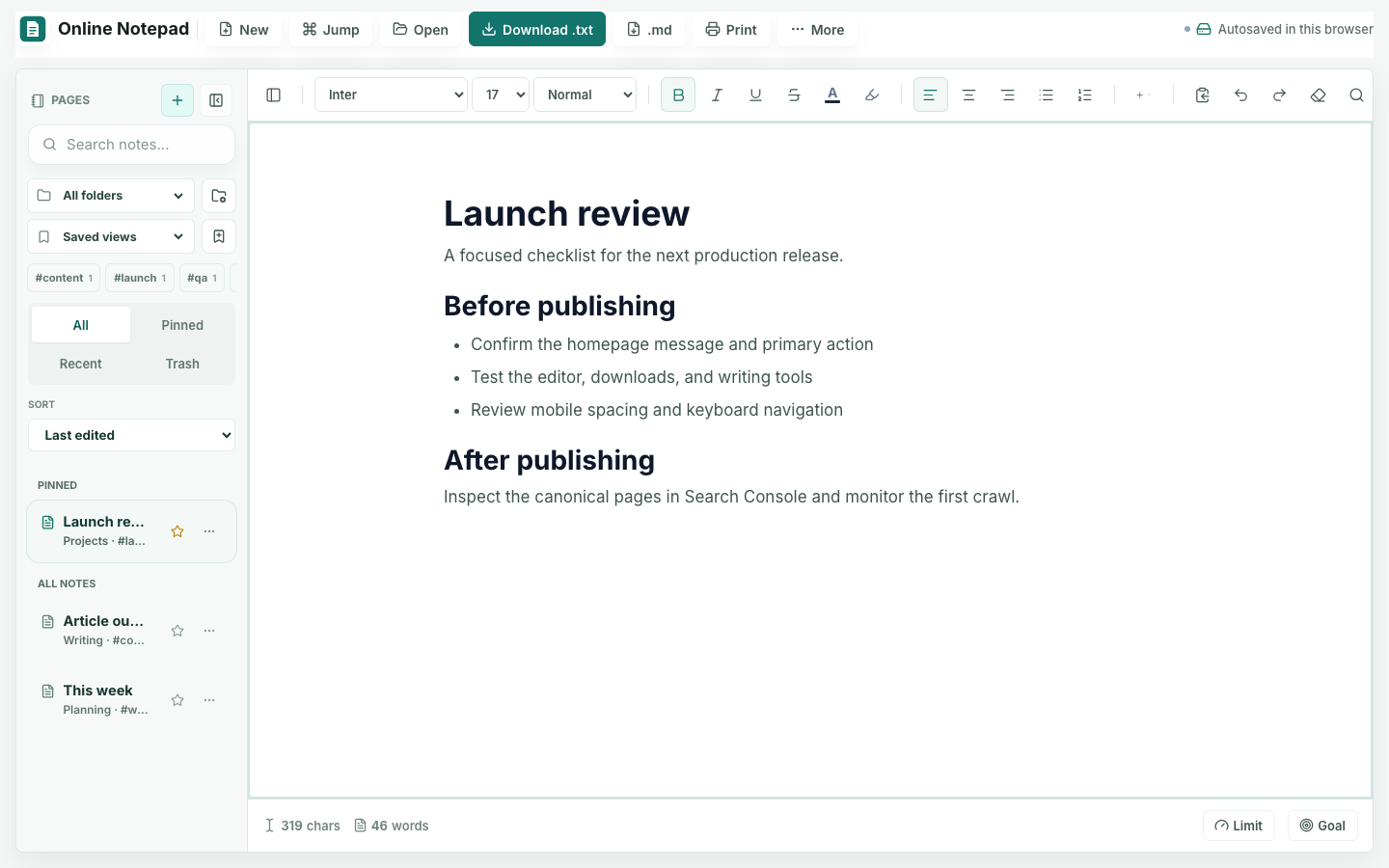
Browser storage sits in the middle. The tool opens like a website but keeps working data in the current browser profile. The Notepad App works this way: no login is required, and the working note may remain available between sessions in that same profile.
| Decision | Online Platform | Offline or Local Tool |
|---|---|---|
| Start writing | May require an account, workspace, and sync | Usually opens directly with fewer setup decisions |
| Use another device | Strong when automatic sync is available | Requires a file export or manual transfer |
| Work with other people | Designed for sharing, comments, and permissions | Better suited to individual drafting |
| Keep work for years | Useful for a maintained, searchable library | Needs a dependable file and backup routine |
| Control a temporary draft | Adds remote storage and account responsibility | Keeps the immediate workflow small and direct |
The Tradeoffs That Affect Real Work
Speed and Startup
Offline tools and local-first browser tools can open immediately. Cloud tools may need to authenticate, sync, and load remote resources before you can type. For a small note, that delay can be disproportionate to the task.
Reliability and Connectivity
Installed offline tools continue without a network connection. Web tools may fail to load or lose remote resources when connectivity drops, even if their editing and storage logic runs locally after the page loads.
Privacy and Ownership
Online tools vary: some encrypt notes end to end, while others process content server-side. Local browser storage avoids a note upload in this release, but it is not encryption. Anyone with access to the unlocked browser profile may be able to read the data. The Privacy Policy and Notepad Help guide explain the exact behavior.
Portability Across Devices
Cloud tools clearly win here. If you begin on one device and continue on another, sync handles the transfer. A local-first tool stays on the current device unless you export and move a file.
Long-Term Organization
Online platforms are built for accumulating notes over months or years. Simple browser notepads are better for short-to-medium-term writing that will be exported, moved, or discarded.
When to Use Each Approach
Use an online note-taking platform when you genuinely need cross-device access, collaboration, or a searchable long-term library. Those requirements justify the additional setup and data model.
Use an offline or local browser tool when speed matters more than long-term persistence, or when the content will soon move elsewhere. Quick drafts, temporary outlines, and scratchpad writing benefit from the lighter start.
Before choosing, ask who needs the note, where it must be available, how damaging its loss would be, and how long it must remain useful. Those four questions reveal more than a feature checklist because they connect the storage model to the responsibility carried by the note.
A Practical Hybrid Workflow
Keep both types available. Write quickly in a lightweight browser notepad when you need a temporary surface. Move important notes to a cloud platform or a file you control when they need durable storage. Use the lightest tool that fits the moment, then promote content when the requirements change.
The Notepad App is designed for the capture side of that workflow: fast writing, local browser save, and straightforward export. For repeated patterns, pair it with Text Macros so templates remain reusable without turning a quick note into a full knowledge base.