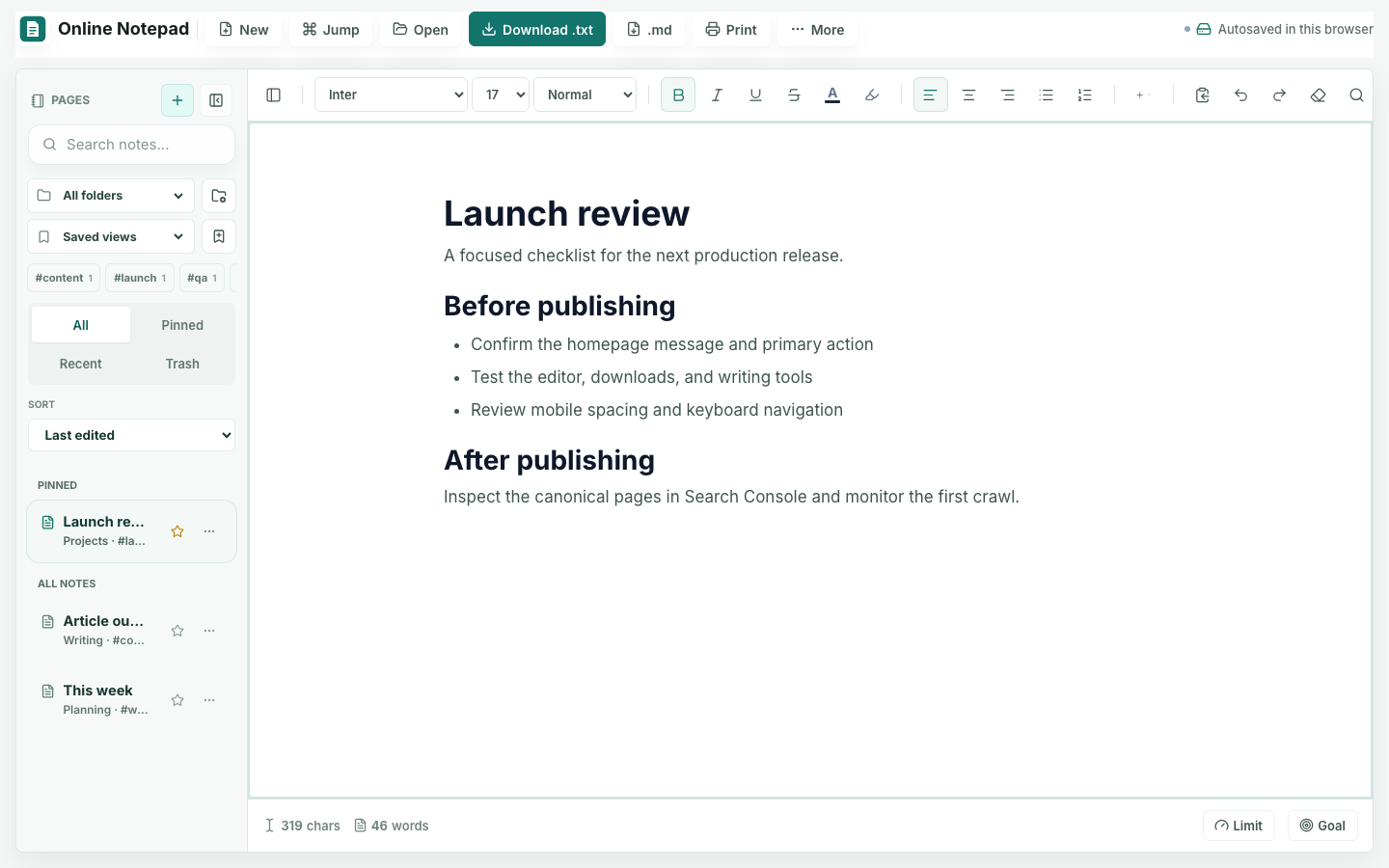
Most people do not need a system when they start writing. They need a surface. Lightweight online note taking removes the setup cost: install nothing, open a page, and type.
Before browser-based tools became reliable, capturing a quick thought meant finding a physical notepad, navigating through a note app, or creating a document that immediately asked for a name and location. Each step adds overhead that competes with the thought itself.
Friction Kills Notes
The biggest reason notes do not get written is small friction: finding an app, waiting for it to load, choosing where the note belongs, or being asked to label and organize it too early. Any of these can interrupt writing before it begins.
A good lightweight tool removes that friction by loading quickly, requiring no login, and presenting an empty writing surface as the default state. The user has one job: type.
This matters because the window between having an idea and writing it down is shorter than people expect. The quick idea, half-formed thought, or detail you do not want to forget is easy to lose. Friction in that window costs notes.
When Lightweight Online Note Taking Shines
A simple browser writing surface is particularly useful for:
- Fast capture: ideas, snippets, drafts, and outlines where getting the thought out is the priority
- Temporary content: text you need now but do not need to archive
- Easy access: a writing surface on a device with a current browser
- Quick excerpts: a small piece of text you will paste into another destination
- Editing pasted text: cleaning up content before using it elsewhere
These cases are about speed and immediacy, not organization or long-term storage. Lightweight note taking serves the moment of writing rather than the months that follow.
Why Lightweight Tools Still Matter
Even people with sophisticated note systems still reach for a scratchpad. Not everything needs to be organized. Some writing is intentionally temporary: a draft you will paste elsewhere, a calculation you will discard, or a list that serves one task.
A lightweight notepad is consistently useful for these moments, especially when paired with a focused tool such as the Word Counter for length checks or the List Maker for quick structure.
Common uses include:
- Drafting before pasting text into a form, email, or document
- Opening and editing a small plain text file
- Writing in short bursts without feature-heavy navigation
- Removing extra spaces, changing case, or counting words before the text moves elsewhere
These are frequent, low-complexity tasks. They do not need the infrastructure of a full note platform and are often better served by something that opens immediately.
The Overlooked Value of Simplicity
Lightweight online note taking can look too simple because it puts the blank page before setup. The current editor still provides folders, tags, search, and saved views, but none of those controls must be configured before the first sentence.
That simplicity is the feature. The absence of overhead makes the tool effective for a narrow category of tasks. Not every tool needs to be powerful; some need to be fast, reliable, and easy to leave when the job is done.
Know When the Note Has Outgrown the Scratchpad
A lightweight note should graduate when its responsibility changes. Move it when another person needs access, when it becomes the source of truth for a decision, when it contains regulated or sensitive information, or when you would struggle to recreate it after losing the browser copy.
| Signal | Practical Next Step |
|---|---|
| The note is useful only today | Keep working locally and discard it when finished |
| The draft must move into another document | Download TXT or Markdown and continue in the destination |
| The note supports repeated work | Turn the stable parts into a macro, checklist, or template |
| Other people now depend on it | Move it into an approved shared system with access controls |
| Losing it would create material harm | Create a durable backup outside browser storage immediately |
The Sensible Approach
Use the lightest tool that genuinely fits the job. For quick capture, temporary writing, and scratchpad tasks, a browser-based online notepad is often a good fit. Capture quickly, then move important notes to a file or system you trust for long-term storage. The two approaches serve different moments in the same workflow.